Patient reviews: how to ask without being pushy
A simple system for building up the positive reviews that reinforce your online trust.
Quick answer
Most satisfied patients will leave a review if you ask at the right moment, the right way. The problem is almost never their willingness: it's not having a system to ask for them consistently.
Key takeaways
- Ask for the review right as the patient leaves the appointment, not days later by email.
- A direct link to your Google Business Profile by text or WhatsApp cuts friction to a minimum.
- Responding to every review, good or bad, matters as much as getting it.
- A consistent system usually goes from an occasional review to several a week within one or two months.
- Automating the outreach keeps you from forgetting to ask, as long as you ask every patient the same way, without filtering by their opinion.
In this article
Asking for a review makes most clinic teams uncomfortable — it feels like asking for a favor. But a satisfied patient is almost always willing to leave one if you ask at the right moment, the right way. The problem is almost never the patient’s willingness: it’s the system.
Why most clinics don’t build up reviews
It’s not that patients dislike the care. It’s that no one asks consistently. Some patients get asked when the team happens to remember, and most never do. The result is profiles with few reviews and months of silence between them — exactly the signal Google likes least when it decides which clinics to show on the map.
A simple system, not a campaign
What works isn’t a one-off campaign, but a small, repeatable process:
- Ask at the moment of highest satisfaction, almost always right as they leave the appointment, not days later by email.
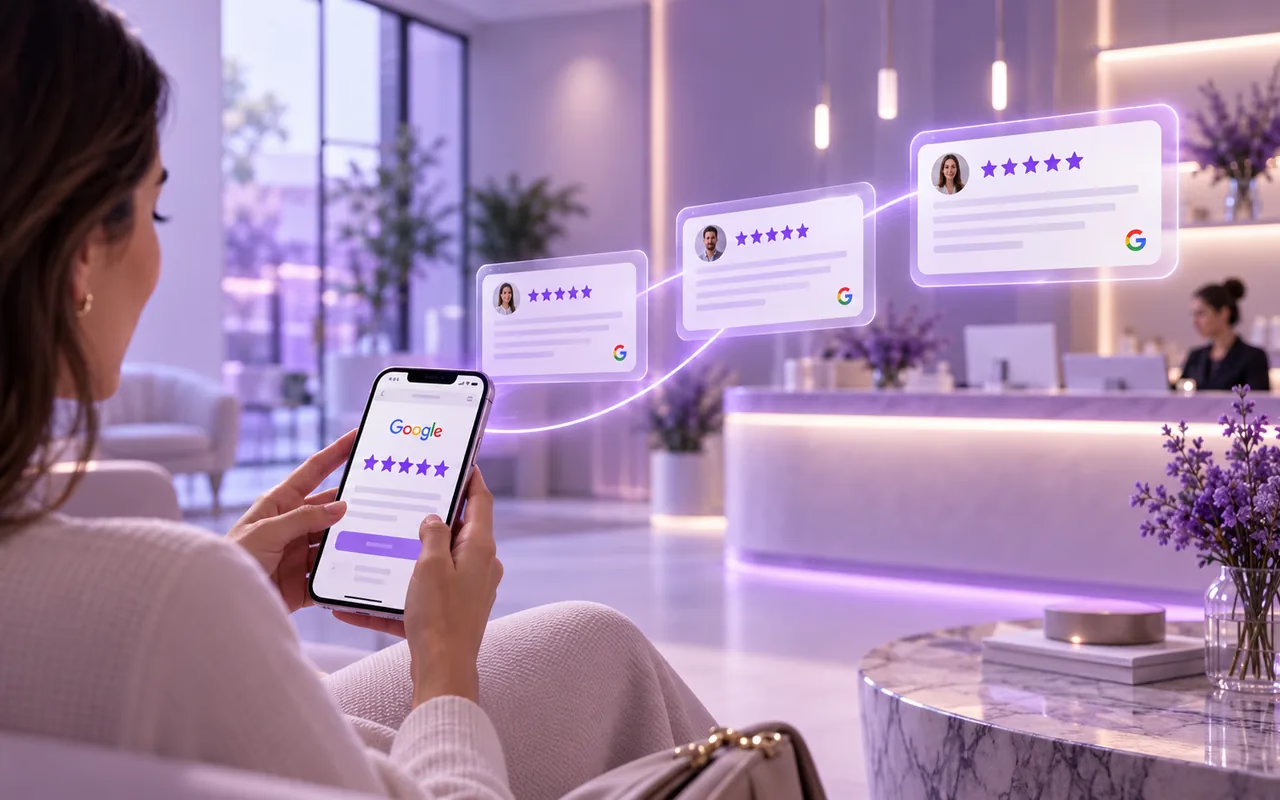
- Make it as easy as possible: a direct link to your Google profile (not “look us up on Google”), sent by text or WhatsApp.
- Make it part of checkout, not an extra task: fold it into the same confirmation or reminder message you already send.
- Thank and respond to every review, good or bad — that’s also part of what potential patients see.[2]
How to automate it
Running this system by hand works, but it depends on someone on the team remembering to send it after every appointment — exactly the problem we mentioned above. Our AI receptionist automates the whole process: as soon as the appointment ends, it sends the message asking for the review without anyone having to remember.
The message is the same for every patient: it invites each one to leave a Google review, whether they were happy or not. Alongside that, it offers a direct channel so that, if something didn’t go well, the patient can tell you and you can respond quickly.
This matters: Google doesn’t allow filtering who gets asked for a review based on their opinion[3], and in the US the FTC considers hiding or discouraging negative reviews deceptive. Asking everyone equally is the right approach, and it builds more trust.
What to do with a negative review
An occasional negative review doesn’t hurt your reputation as much as not responding to it does (here’s a step-by-step guide to doing it well). Respond calmly, without arguing in public, acknowledging the situation and offering to resolve it through a direct channel (phone or email). How you respond is, for many patients comparing clinics, more telling than the review itself.
With this system running, it’s common to go from occasional reviews to a steadier flow, which is exactly the kind of trust signal that helps your reputation and your presence in local search.
Your reviews, on your website too
Reviews live on Google, but many patients land on your website first. On Floix Web’s Authority plan, your Google reviews are shown on your site, so someone comparing clinics sees that trust without having to go looking for it. To request reviews automatically, pair the site with the AI receptionist.
If you’d like to see how that would look for your clinic, book a free call or take a look at the plans.
Frequently asked questions
01Can I offer something in exchange for a review?
No — Google prohibits incentivizing reviews, and getting caught can get your profile penalized. Ask without tying anything to it.
02What do I do about a negative review?
Respond calmly, without arguing in public, and offer to resolve it through a direct channel. How you respond matters more than the review itself.
03Can I ask only happy patients for a review?
No. Google does not allow filtering who gets asked for a review based on their opinion, and in the US the FTC considers hiding or discouraging negative reviews deceptive. The right approach is to invite everyone equally and also offer a direct channel so anyone who had a problem can tell you and get a quick reply.
04How often should I ask for reviews?
After every appointment is ideal. What matters is that it's part of the process, not a one-off campaign.
References