WhatsApp on your website: the channel that books the most appointments
A well-placed WhatsApp button converts better than a contact form — here's how to add one without overwhelming your staff.
Quick answer
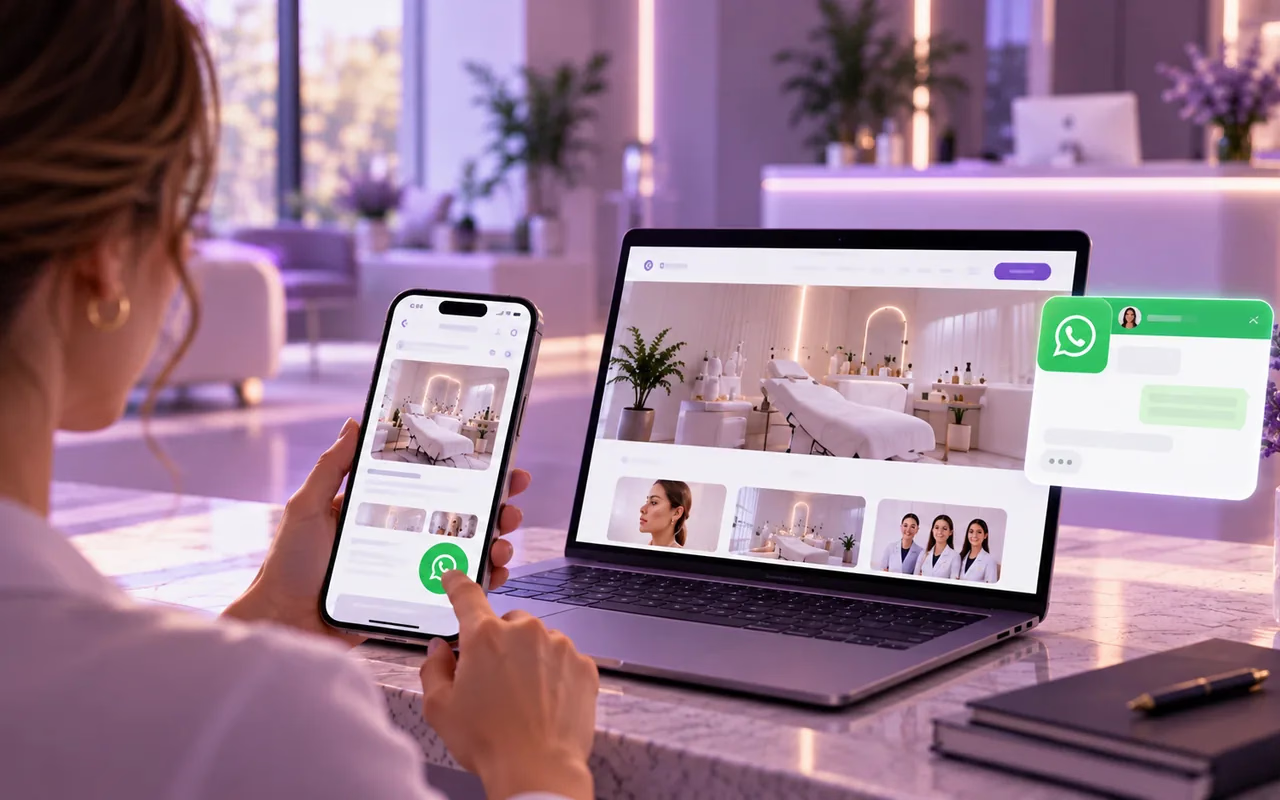
A visible WhatsApp button closes the gap between "I found your clinic" and "I booked an appointment": the patient messages you from the app they already live in, no form to fill out or call to wait on. It doesn't replace your contact form — it complements it as the most direct channel available today.
Key takeaways
- Patients would rather message than call or fill out a long form.
- A visible WhatsApp button removes friction between finding your clinic and booking.
- It doesn't replace the contact form — it's the fastest channel, not the only one.
- Replying quickly matters as much as having the button: an unanswered chat frustrates just like a phone nobody picks up.
In this article
Why a chat wins over a form
A patient who finds your clinic from their phone almost never wants to call, and definitely doesn’t want to fill out a six-field form so someone can reach out “within 24 hours.” They want an answer now, from the same app they already use to talk to everyone else.[1]
That’s the problem WhatsApp solves: it removes the middle step. No dialer to open, no ring to wait through, no email to draft. They type a question and get an answer in the same thread — exactly like any other conversation in their day.
Where the button belongs (and where it doesn’t)
The button only works if it shows up where the patient is already looking, not buried at the bottom of a contact page.
- In the header, visible without scrolling. It’s the first decision point for anyone arriving from Google or a shared review.
- As a fixed floating button in the corner. It should follow the patient while they browse services, pricing, or the care team — not just live on “Contact.”
- Repeated at the end of every service page. Right after a patient finishes reading about a treatment is when they’re closest to deciding.
What doesn’t work is tucking it away as a generic icon in the footer, mixed in with Instagram and LinkedIn — there it competes for attention and loses.
The mistake that ruins the channel: not replying
A poorly managed WhatsApp button creates more frustration than not having one at all. If a patient messages and six hours go by with no reply, it feels worse than an unanswered phone call — because the chat just sits there, visible proof that nobody saw it.
The fix isn’t having someone glued to their phone all day. It’s setting up WhatsApp Business’s free tools properly: an automatic welcome message, an away message with your real hours outside business time, and saved quick replies for the five questions that come up every single day (hours, location, insurance, first-visit pricing).
Pairing it with your form, not replacing it
WhatsApp and a contact form serve different patients. Someone who’d rather be called at a specific time, or wants to leave a longer written question, will reach for the form. Someone who’s already decided and just wants to confirm a time will reach for the chat.
Keeping both channels visible — not just one — is what captures both types of patient without forcing anyone into the medium they don’t prefer. It’s not about choosing one over the other; it’s about letting each patient use whichever one already fits how they communicate day to day.
Your contact options, always in view
With Floix Web, your clinic’s contact options, like a phone number or a WhatsApp link, can be shown prominently on the site. For patients who’d rather write at their own pace, every plan includes forms that ask for contact details only and land in your clinic’s message inbox.
If you’d like to go over the setup for your case, book a free call.
Frequently asked questions
01Does WhatsApp replace my website contact form?
No — they're complementary. The form works for patients who'd rather leave their details and have you call them back; WhatsApp is for someone who wants to sort something out right now, without waiting.
02Do I need WhatsApp Business, or does the regular app work?
WhatsApp Business is free and adds features a clinic actually needs: saved quick replies, an away message, and a profile with hours and address. Worth switching before you put the button on your site.
03What happens if nobody can reply outside business hours?
Set up an automatic away message confirming your real hours and offering another way to book. It's better than leaving the chat unanswered overnight with no explanation at all.
04Where should the button go on the page?
Visible without scrolling — in the header or as a fixed floating button in the corner — and in the same spot on every page, so the patient never has to hunt for it.
References